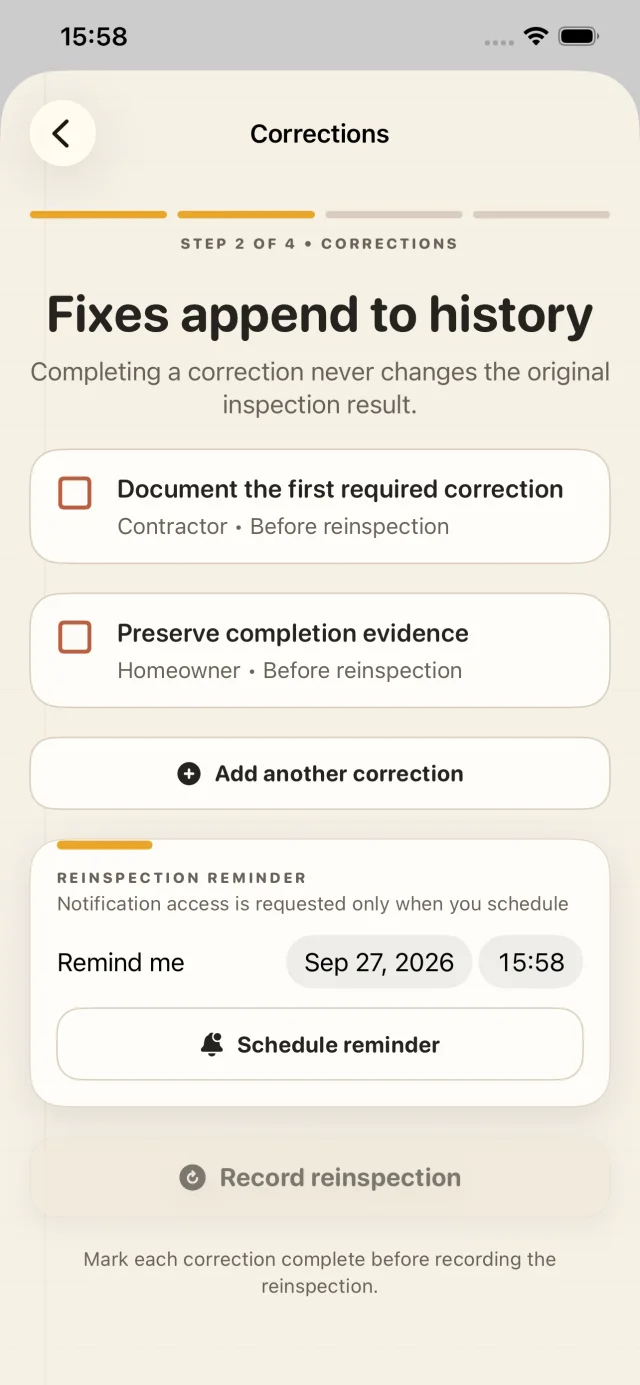
Nothing gets quietly rewritten.
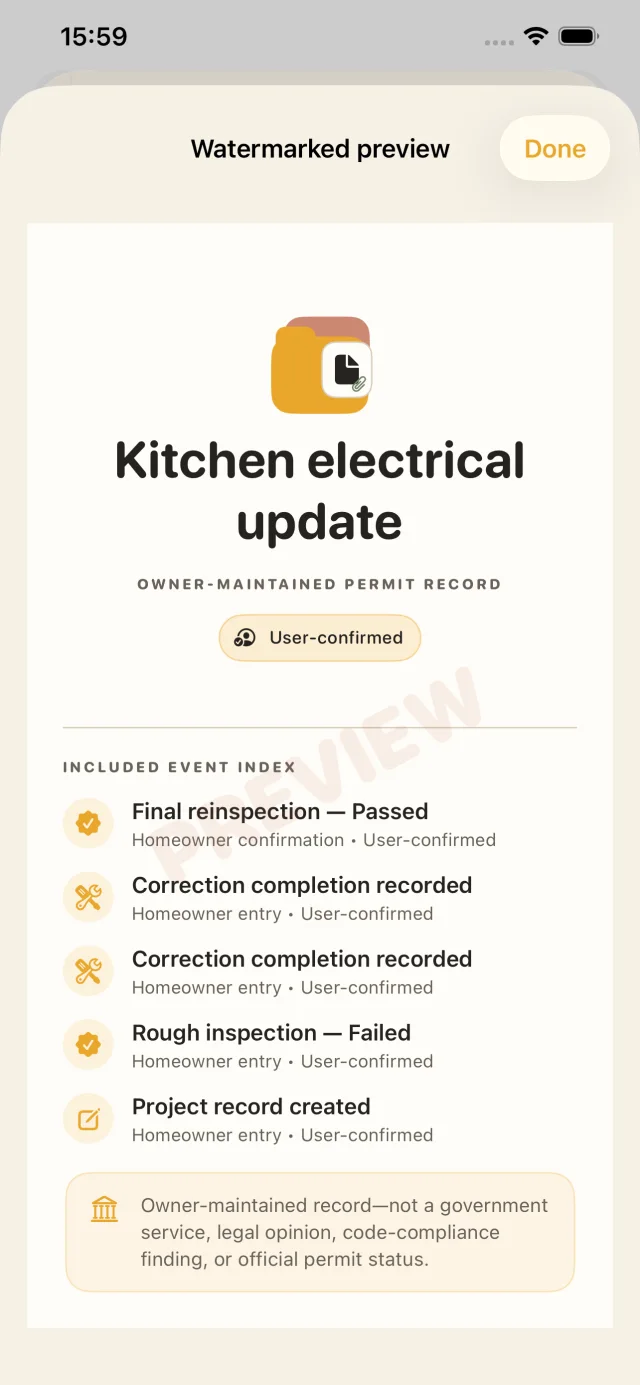
A failed or conditional inspection stays in the timeline. Corrections and reinspections are added as new events.
Private permit evidence for renovation projects
Permit Passport gives homeowners, owner-builders, remodelers, and property investors one calm place for permits, inspection results, corrections, photos, and handoff records.
 Coming soon
For iPhone
Free core record · Optional Pro
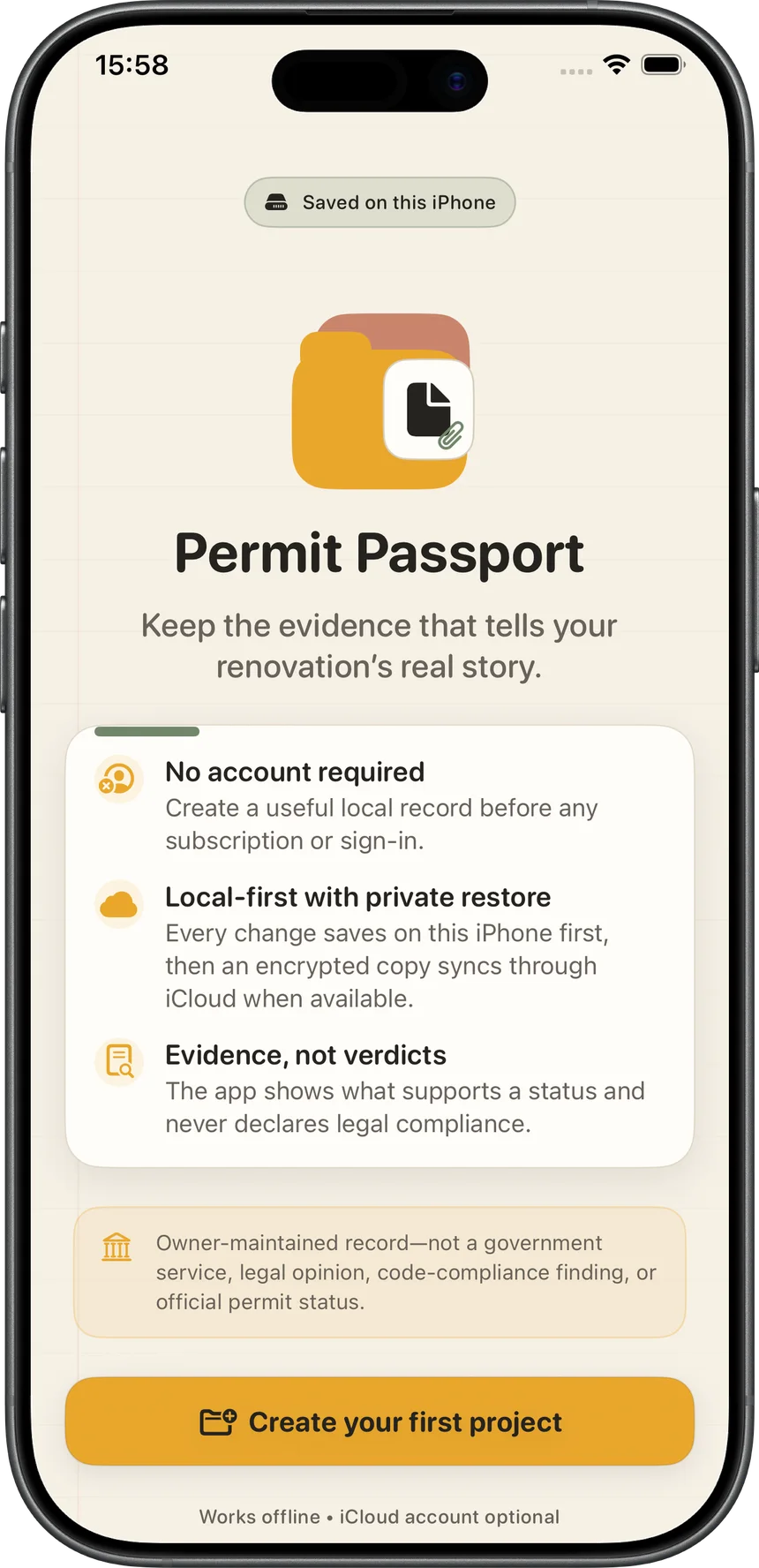
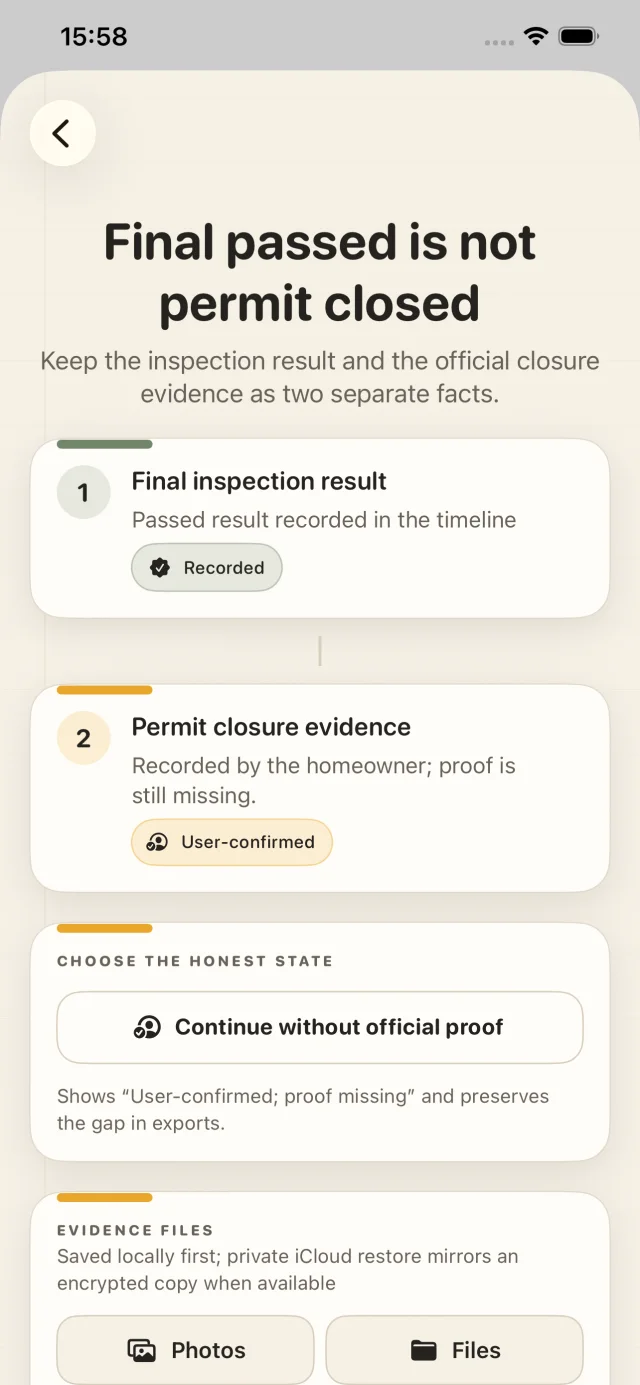
Permit Passport is not a government service and never automatically says a permit is officially closed or legally compliant.
A record that stays honest
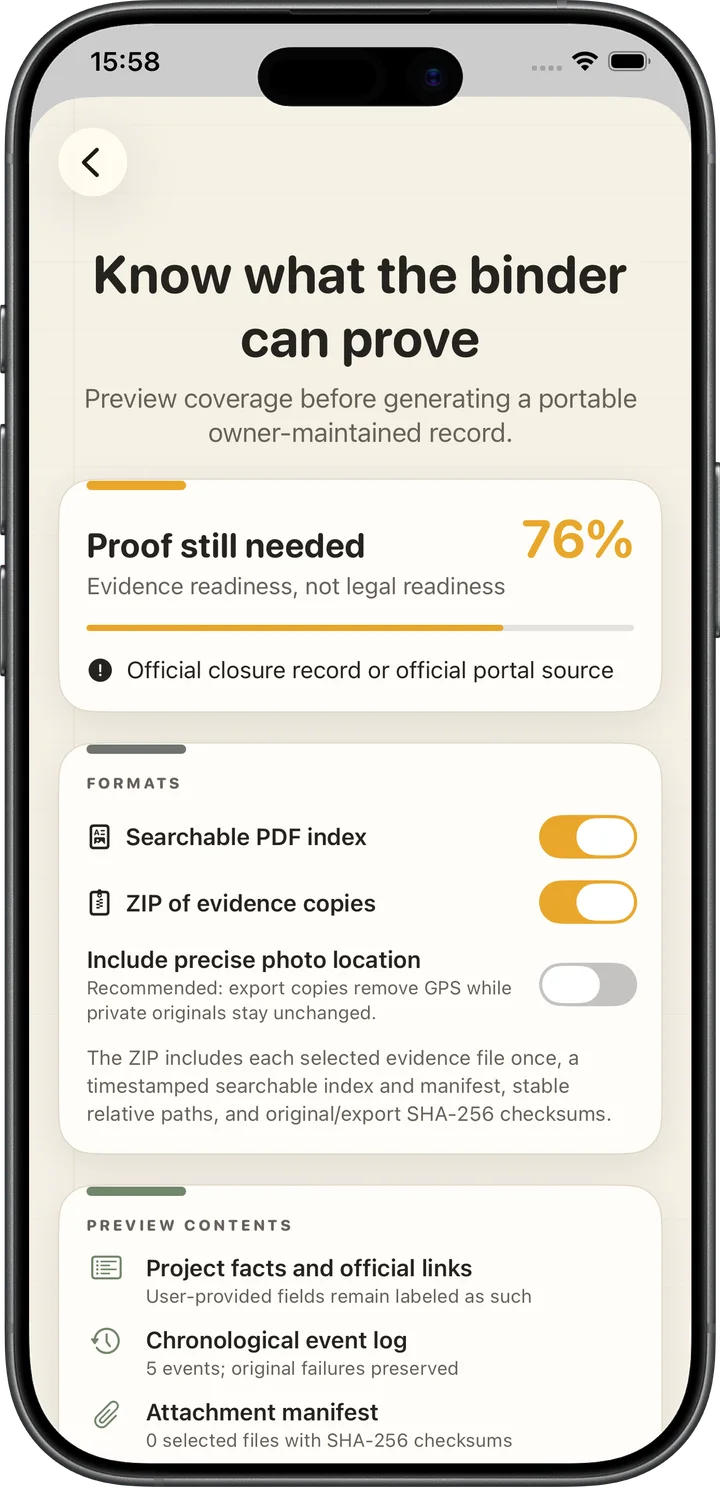
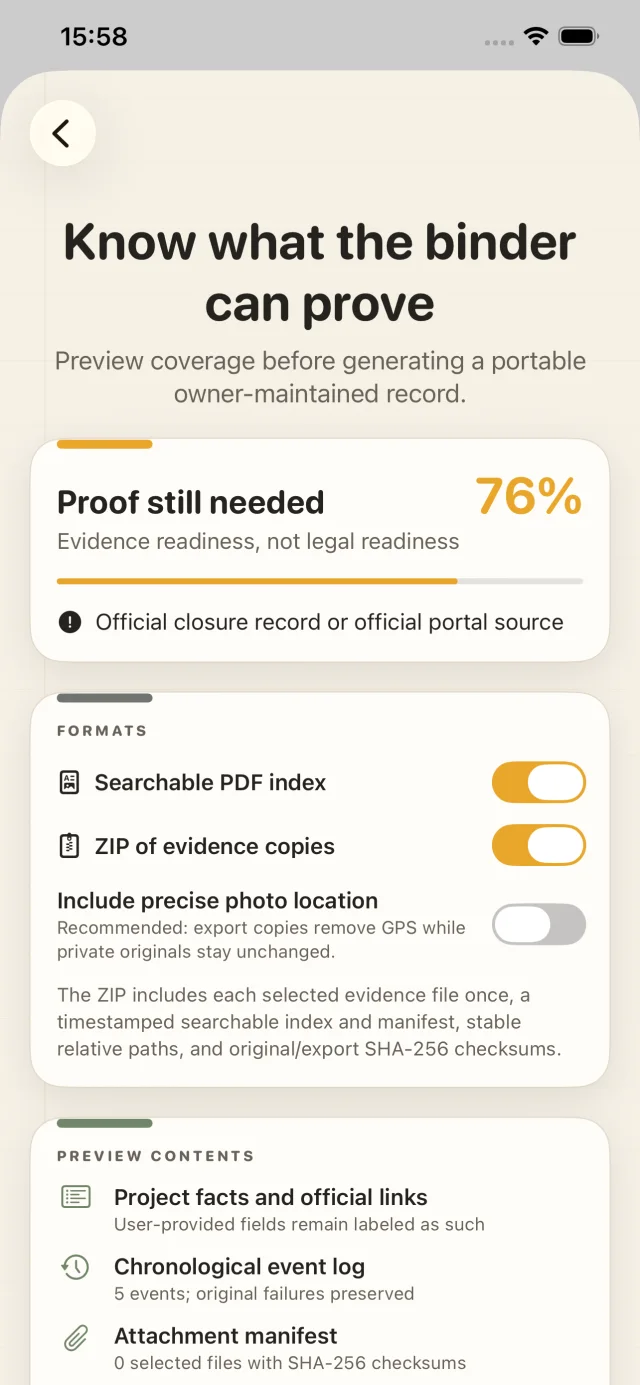
Keep the original outcome, append what happened next, and see what proof is still missing before you share a binder.
A failed or conditional inspection stays in the timeline. Corrections and reinspections are added as new events.
Add camera photos, scans, Photos items, or Files documents. Each stored file gets an integrity checksum.
The app keeps final-inspection evidence separate from owner-provided official closure proof—on purpose.
The working record
Five real screens from the app’s tested project journey. No concept art, placeholder dashboards, or invented outcomes.
Your project stays yours
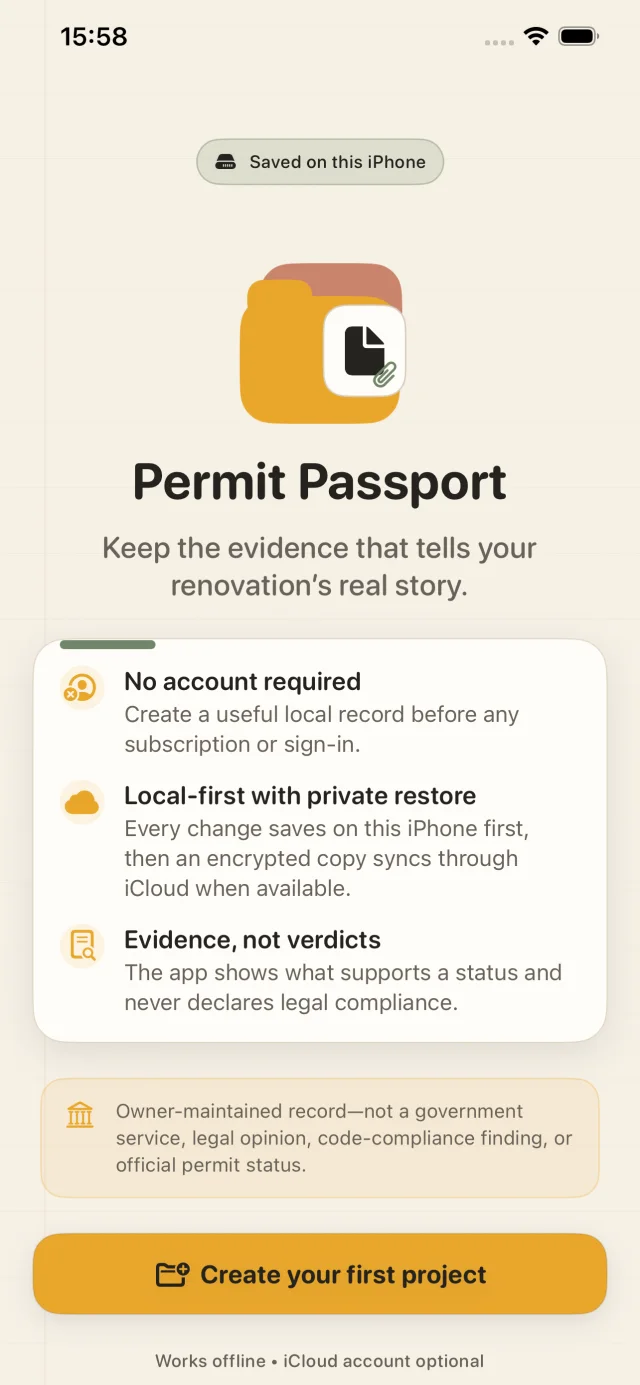
Permit Passport stores every change on-device before it attempts private iCloud sync. Structured records and evidence files are encrypted by the app, and the restore key is kept separately in your synchronizable Keychain.
iCloud remains optional. If it is unavailable, the on-device copy stays usable and sync can retry later.
A handoff you can read
Pro builds a searchable PDF plus a ZIP of the evidence you select. A manifest records checksums and file sizes, and precise photo location is excluded from export copies by default.
Start useful. Upgrade when the job grows.
FREE
Monthly or annual subscription. Annual includes a 14-day free trial when available on the App Store.
If Pro ends, existing records remain visible and intact. Private iCloud restore is included in the free plan.
Keep the work. Keep the proof.
Coming soonPermit Passport organizes owner-maintained evidence. It does not determine official status, legal compliance, or approval.